Community viewing
Perseids on the lawn — evening of Wednesday 12 August
I will be set up on the community lawn from around 9pm on the evening of Wednesday 12 August, and staying out well past midnight. Come along with nothing but a phone if you like — there will be a telescope pointed at something interesting either way. Bring a blanket or a reclining chair, and please keep screens dimmed once everyone's eyes have adjusted. If you own a small phone tripod, that one item will do more for your pictures than anything else on this page.
Be honest about what a phone can do
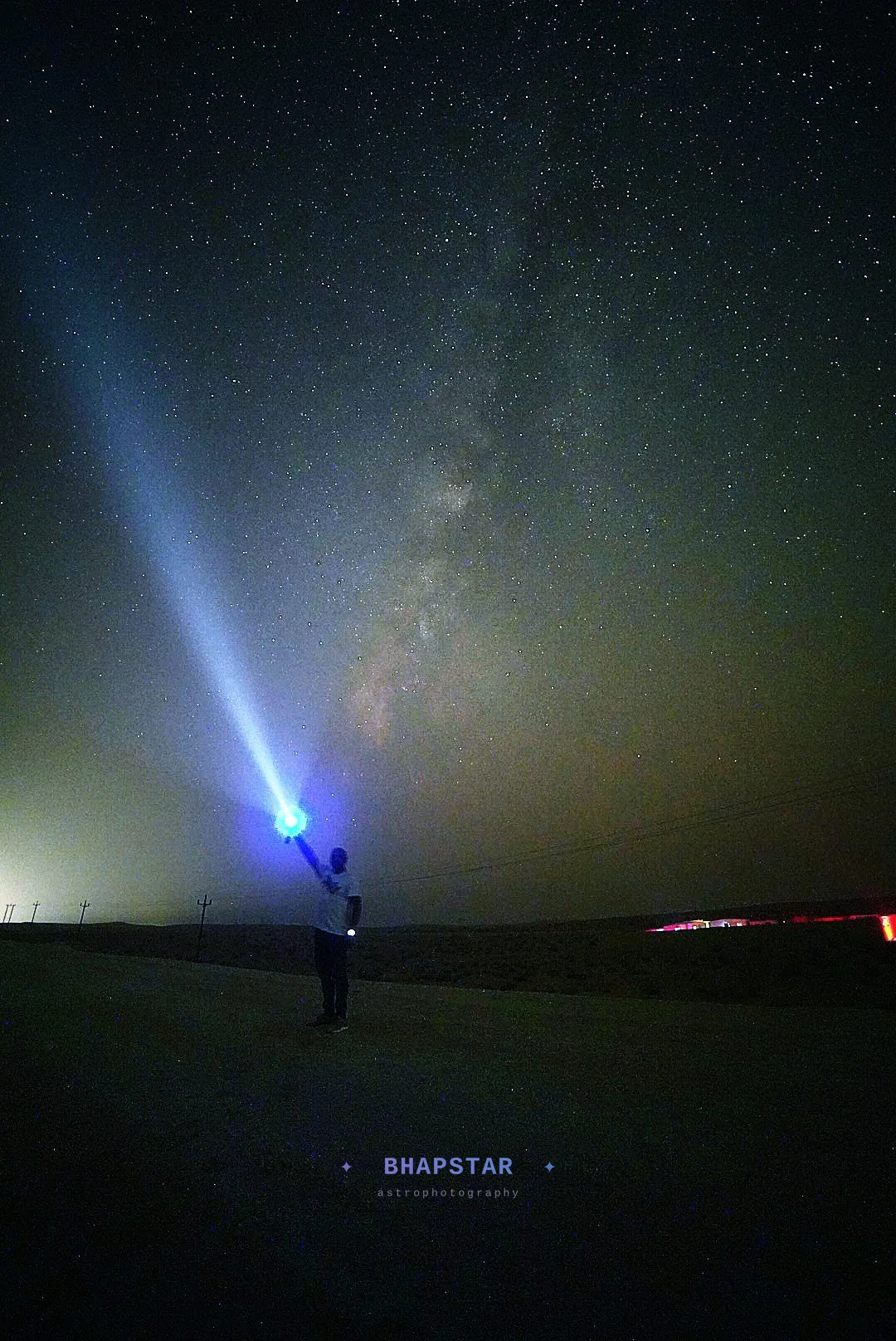
A modern phone will photograph the Milky Way from a dark site. It will not reliably photograph a meteor. The difference is that the Milky Way sits still and can be exposed for minutes, while a meteor lasts a fraction of a second and has to be bright enough to register in that instant on a sensor the size of a fingernail.
What that means in practice: your phone will catch the fireballs — the occasional brilliant one that draws an audible reaction from everybody on the lawn — and will miss most of the rest. The Perseids produce a decent number of those, and 2026 is a new-moon year with a dark sky all night, so the odds are as good as they get. Set the phone running, then watch the sky with your own eyes and treat anything the phone caught as a bonus.
The one thing that matters
Hold the phone and none of the rest of this works. Every night mode on every phone works by holding the shutter open, and any hand movement smears the whole frame. A cheap clamp on a small tripod, a phone propped against a bag on a wall, or one wedged into the gap in a chair back — all of them are fine. It only has to be still.
Several phones also refuse to offer their longest exposures unless the gyroscope reports genuinely zero movement, so a rest is not merely helpful, it is the thing that unlocks the good mode in the first place.
On an iPhone
There is no dedicated astro mode, but there is a decent path to a usable frame. Open the camera, use the main wide lens rather than the ultra-wide or the zoom — it is the one with the biggest sensor and the fastest aperture — and put the phone on something solid. The moon icon appears automatically in the dark, and once the phone knows it is not being held, the exposure slider will run out to around 30 seconds. Drag it to the maximum, tap the shutter and hold still.
Turn on ProRAW if your model offers it. It gives you a file with real latitude to brighten later, rather than a heavily processed JPEG that has already decided what the sky should look like.
The bigger step up is a third-party manual camera app. Several of them expose ISO, shutter and manual focus directly, and at least one has a mode built specifically for meteors that watches the frame and keeps only the exposures where something changed. That is genuinely the right tool for this job, and it costs less than a coffee.
On an Android
If you have a Pixel, you already have the best automatic option on any phone. Open the camera, switch to Night Sight, put the phone on a tripod and keep it absolutely still — after a moment the mode relabels itself as astrophotography and offers an exposure of up to about four minutes. It then takes a long series of frames and stacks them internally. Point it at the sky, press the button, and leave it alone.
On a Samsung, use Expert RAW or the Pro mode in the standard camera, which give you manual shutter up to 30 seconds along with manual ISO and focus. Most other Android phones have a Pro mode somewhere in the camera app that does the same thing.
Manual settings, if your phone offers them
Practical things that make the difference
- Clean the lens. A fingerprint you would never notice by day turns every bright star into a smeared halo at night. Wipe it before you start.
- Use the main camera, not the ultra-wide. The ultra-wide is tempting because it covers more sky, but it has the smallest sensor and the slowest aperture, and in the dark that costs more than the extra coverage gains.
- Keep firing. One long exposure will almost certainly contain nothing. Thirty of them might contain one good meteor. If your phone has a timelapse or interval option that keeps the individual frames, use it.
- Screen brightness right down, and warm colours on. Your eyes take about twenty minutes to adapt and a phone screen at full brightness resets that in a second — for you and for whoever is sitting next to you.
- Battery. Long exposures and screen-on time drain a phone quickly. Bring a power bank if you plan to stay out past midnight.
- Watch for dew. On a humid August night, condensation on the lens creeps up on you gradually. If everything suddenly looks soft, that is why.
Afterwards
Edit the frame you like on the phone itself. Lift shadows, pull highlights down, add contrast, and lower the temperature slider until the sky reads neutral rather than orange. If you shot RAW there is far more room to do this than you expect. Keep the edit restrained: a slightly dark, clean picture of a real sky looks better than a bright, noisy one.
And if you decide you want more than the phone can give, the camera version of this guide covers the next step up.